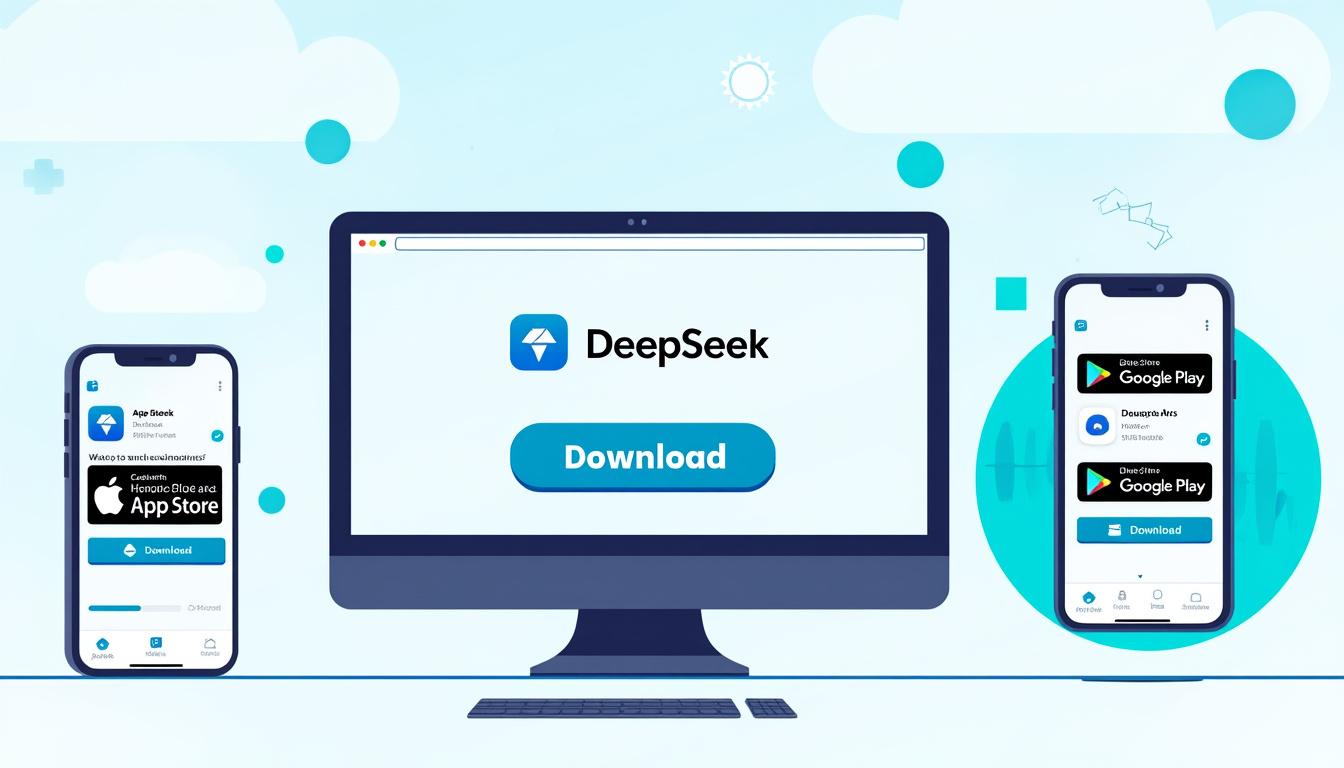
Learn how to download DeepSeek on web, iOS and Android
In a world where technology evolves at a breakneck pace, tools like DeepSeek have emerged as indispensable allies for many people. Whether for information research, writing assistance, or even data analysis, this artificial intelligence platform stands out for its unique characteristics and ease of use. This guide will walk you through the steps to download and use DeepSeek on the different platforms available: Web, iOS and Android.
What is DeepSeek? An innovation in the field of artificial intelligence
DeepSeek is a technology advanced developed in China, offering a range of services from text generation to complex analytics. Compared to popular models like ChatGPT from OpenAI or Gemini, DeepSeek positions itself as an alternative solution, with a user-friendly interface and wide accessibility. In 2025, its technical performance has demonstrated that it deserves its place in the competitive landscape of digital assistants.
DeepSeek features
DeepSeek offers a multitude of features that make it an interesting recourse. Here are some of its notable abilities:
- Conversational assistant : allows you to simulate dialogues in natural language.
- Text generation : offers contextual answers to your questions.
- Voice and visual recognition : improves user interaction.
- Process automation : facilitates the optimization of daily tasks.
- Personalization : offers tailor-made services according to user needs.
The power of its architecture
DeepSeek uses a cutting-edge architecture, integrating over 670 billion parameters. With techniques such as MoE (Mixture-of-Experts) and Multi-Head Latent Attention, it offers a powerful and flexible alternative to other existing models, while remaining more affordable.
| Features | Benefits |
|---|---|
| Conversational Assistant | Smooth User Interaction |
| Content Generation | Accurate and Contextual Responses |
| Speech Recognition | Facilitation of Exchanges |
| Automations | Increased Daily Efficiency |
Download DeepSeek: Step-by-Step Guide for Each Platform
To take advantage of all these features, the crucial step is downloading DeepSeek. Let’s see how to do this on each of the available platforms. DeepSeek on the Web Accessing DeepSeek via a web browser is very simple. Follow these steps:
Open your favorite browser.
Type “DeepSeek” in the search bar. Click on the official website link. Explore the interface and start interacting with the chatbot. DeepSeek on iOS
- For iOS users, downloading the app is also simple:
- Go to the App Store on your iPhone or iPad.
- Search for “DeepSeek” in the search bar.
- Tap “Download” to install the app.
Once the installation is complete, open the app to get started.
DeepSeek on Android
- Android users can also benefit from DeepSeek by following these instructions:
- Open the Google Play Store on your device.
- Enter “DeepSeek” in the search bar.
- Select the app and click “Install.”
After installation, launch the app and start using it.
Free Accessibility
- One of the great advantages of DeepSeek is that it is completely free and open source. Whether you choose to use it on the web, iOS, or Android, there are no additional costs, making it accessible to everyone.
- Developing with DeepSeek: API and Integration
- Beyond the features offered directly to users, DeepSeek also aims to cater to developers. Thanks to its API, it becomes possible to integrate this artificial intelligence model into other applications or systems. Three key points to consider:
- Easy integration: allows companies to take advantage of AI without starting from scratch.
Flexibility: adapts to a variety of needs, whether for simple or advanced features.
Community support: being open source, users can collaborate to continuously improve the service. Type of integration Example of use API for mobile applicationsPersonalized assistance in healthcare applications Search tools Optimizing search results on platforms Customer service botsImproving the user experience on e-commerce sites
Popular alternatives to DeepSeek
While DeepSeek is a significant advancement, it is important to be aware of the other options available on the market. Here are some alternatives worth mentioning: ChatGPT : Developed by OpenAI, it remains one of the most widely used models for text generation.
- Gemini : This Google model is designed for a variety of tasks depending on user needs.
- Microsoft Copilot : Integrated into Microsoft 365 applications, it provides optimal assistance for office tasks.
- Perplexity AI : Focused on information retrieval, it offers detailed and documented answers.
| Future Outlook with DeepSeek | In 2025, the technology landscape will be constantly evolving, and DeepSeek is well positioned to adapt to these changes. With the rise of multimodal technologies, the potential to incorporate visual and audio data |
|---|---|
| and other types of sensory data in its responses could create a colossal impact. Users can then expect even more enriching and personalized interactions with artificial intelligence. This platform therefore promises to go beyond simple text conversations, paving the way for a fully immersive multimedia experience. | |