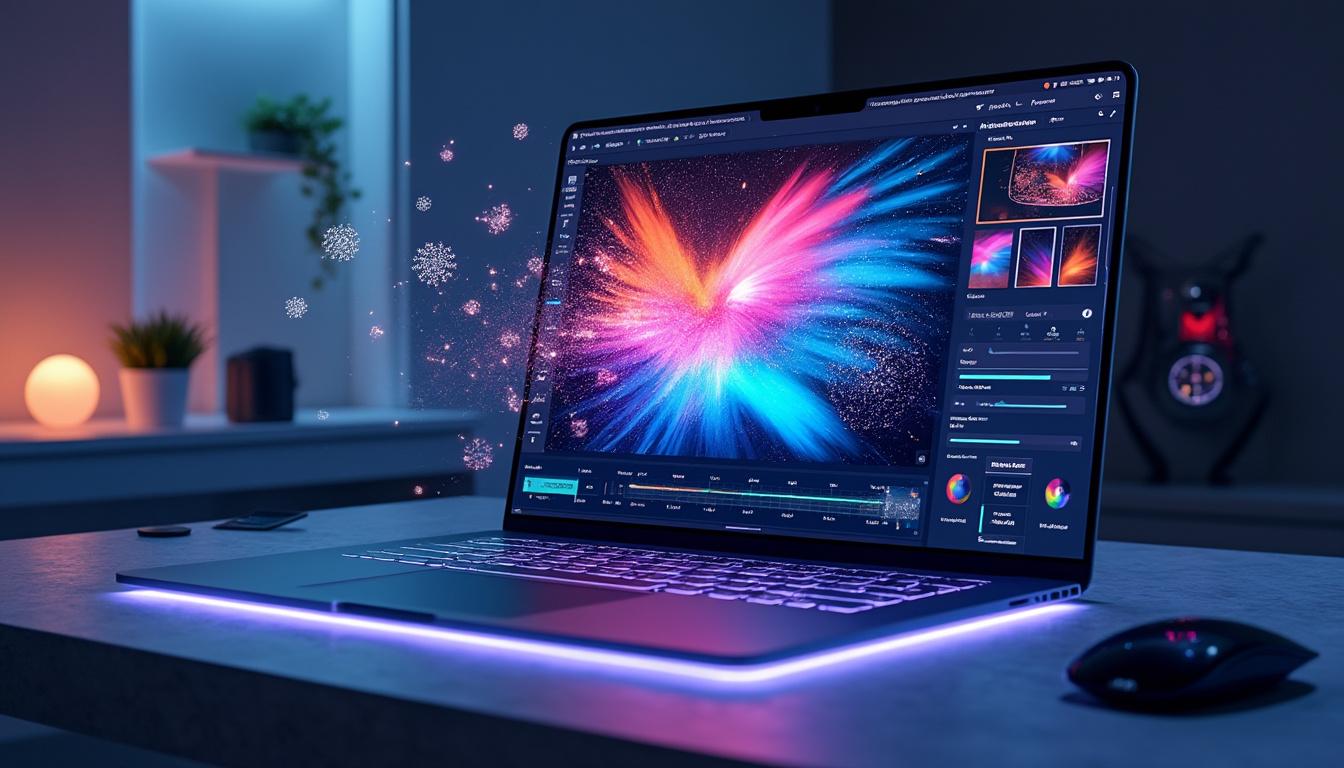
Discover how ChatGPT can transform your images like Photoshop.
Image editing has long been reserved for experts armed with sophisticated software like Photoshop or Adobe Lightroom. However, the arrival of ChatGPT version 4.0 is redefining the rules of the game. In 2025, it is now possible to edit your images with astonishing simplicity. Using just a few words, you can retouch photos, change colors, or even remove unwanted elements. This article explores how this advancement can transform your approach to image editing, making these skills accessible to everyone.
Image Editing Made Simple with ChatGPT
In 2025, technology has taken a leap forward, making photo editing more accessible. Thanks to ChatGPT, photo editing no longer requires hours of training or complex manipulations. The tool is inspired by the original while producing impressive results. In fact, asking ChatGPT to perform an editing task is as simple as writing a concise query. The Benefits of Editing with ChatGPT
Image editing with ChatGPT offers many advantages over traditional software. Here are some notable benefits:
Ease of Use
- : A simple prompt is all it takes to make edits. No need to navigate complicated menus. Speed
- : Get instant results without the learning curve required to master software like GIMP or Corel. Accessibility
- : Anyone can try it, whether you’re an amateur or a professional. Quality Results
- : Despite its simplicity, the generated images retain high definition. Examples of Editing with ChatGPT
Here are some concrete scenarios illustrating the power of ChatGPT in editing:
Element Removal
- : In just a few seconds, you can erase a character from a photo without it being noticed. Hairstyle Change
- : Change a person’s appearance by adjusting their hair color or hairstyle with a simple request. Add Text
- : Only one request is needed to realistically integrate text into an image. Scenery Transformation
- : Completely replace an image’s background with another in the blink of an eye. How Image Editing with ChatGPT Works
To understand the effectiveness of image editing with ChatGPT, it’s crucial to understand how it works. By creating advanced algorithms, ChatGPT uses artificial intelligence to analyze and reproduce image elements. Unlike tools like Canva or Fotor, which often require design skills, this tool relies on simple and straightforward instructions.
The Underlying Mechanisms
Here’s how ChatGPT processes your requests:
Original Image Analysis
- : The tool examines each pixel and shape of the image to deduce its content. Request Interpretation : Based on your request, ChatGPT determines which modifications are appropriate.
- New Image Creation : Rather than directly modifying the original, it generates a new image inspired by the old one to ensure freshness and originality. Comparison with other editing software
- To give you an overview of the available options, here is a comparison table of different editing tools: Software
Ease of Use
Editing Features
| Cost | Photoshop | ★★★★☆ | Fully-Featured |
|---|---|---|---|
| Monthly Subscription | Canva | ★★★★★ | Basic |
| Free/Subscription | GIMP | ★★★☆☆ | Fully-Featured |
| Free | Fotor | ★★★★☆ | Intermediate |
| Free/Subscription | ChatGPT (v4.0) | ★★★★★ | Essential |
| Free/Variable Terms | Best Practices and Approaches for Editing with ChatGPT | To take full advantage of what ChatGPT has to offer in terms of image editing, there are a few practices you should adopt. Whether for a personal or professional project, these tips will help you optimize your use of this tool. | Create effective prompts |
The key to good editing lies in the quality of your query. Here are some tips for formulating relevant prompts:
Be specific
: Say exactly what you want, for example, “Remove the character on the right of the image.”
Add details
- : Mention the colors, styles, or elements you want to incorporate or modify. Experiment
- : Feel free to adjust your query until you get the desired result. Explore editing possibilities
- Don’t limit your use to basic tasks. ChatGPT can be used in creative ways: Creating illustrations
: Use the software to design completely new images. Advanced Adjustments
: Change hues, saturation, or brightness by specifying your needs.
- Collages and Compositions : Assemble multiple images into a single, harmonious work with precise recommendations.
- The Impact of Image Editing on Digital Creation Image editing is ubiquitous in various fields such as marketing, advertising, and even social media. In 2025, the speed and ease offered by ChatGPT are changing the way creators approach visual design. Less time spent on technique means more space for creativity.
- How Creators Are Taking Advantage of This Technology With the new possibilities offered by modern tools, creators can explore less conventional avenues. Here are some observed benefits:
Process Acceleration
: Create and edit images in real time, allowing for increased responsiveness.
Cost Reduction
: Reduce the expense of hiring professionals for complex retouching.
- Democratization of Art : Allow amateurs to express themselves creatively without requiring expert skills.
- A Promising Future In conclusion, image retouching with ChatGPT heralds a future where creativity will be at the forefront, encouraging more people to invest in the art of digital retouching. In an increasingly visual world, understanding how to leverage these tools is essential for anyone aspiring to stand out in the creative field.
Catégories : News & AI
Tags : artificial intelligence, chatgpt, image editing, image transformation, photoshop